> For the complete documentation index, see [llms.txt](https://rosea.gitbook.io/scholastica-moodle-theme/llms.txt). Markdown versions of documentation pages are available by appending `.md` to page URLs; this page is available as [Markdown](https://rosea.gitbook.io/scholastica-moodle-theme/theme-settings/general.md).
# General
Site administration -> Appearance -> Scholastica -> General
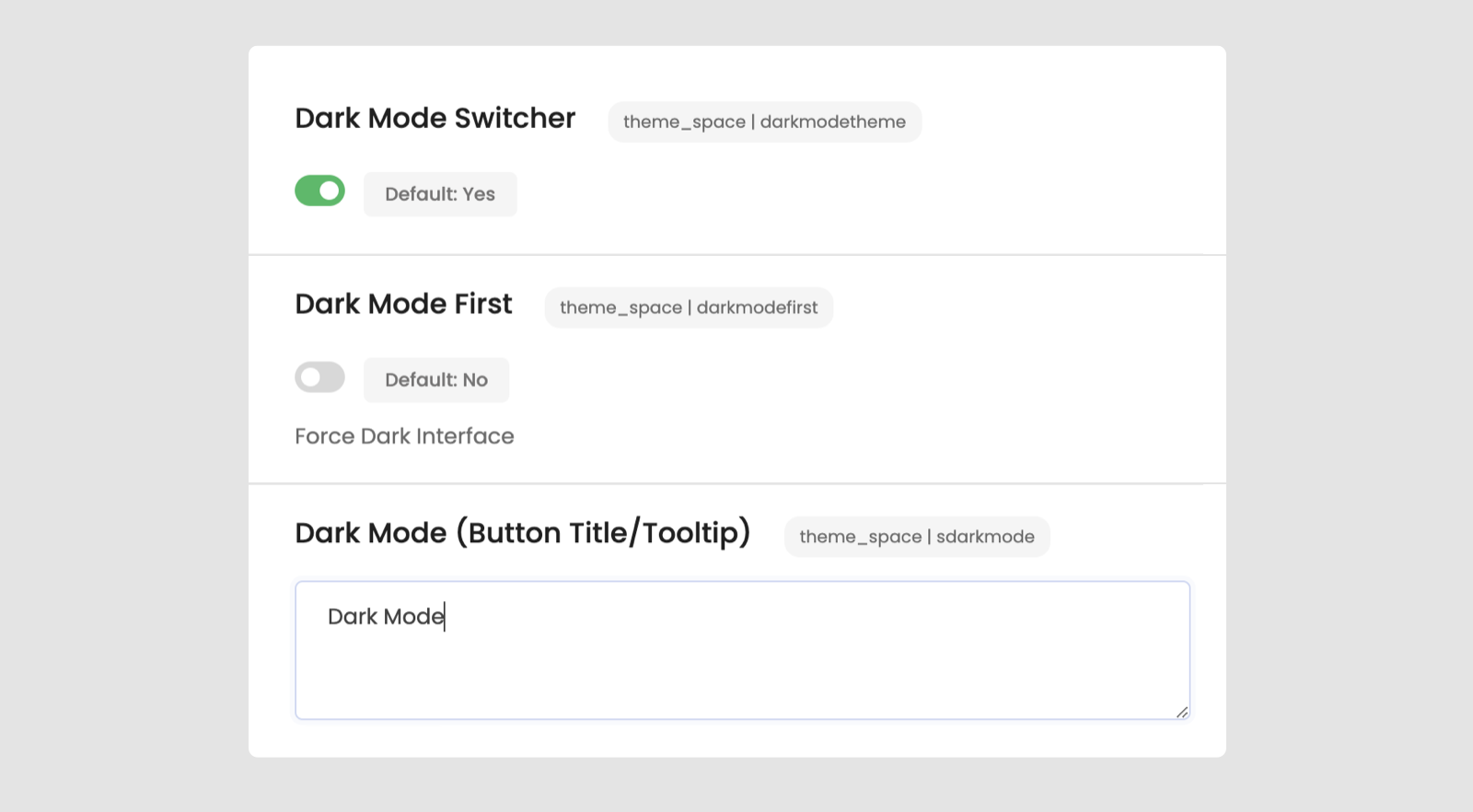
### **Dark mode**
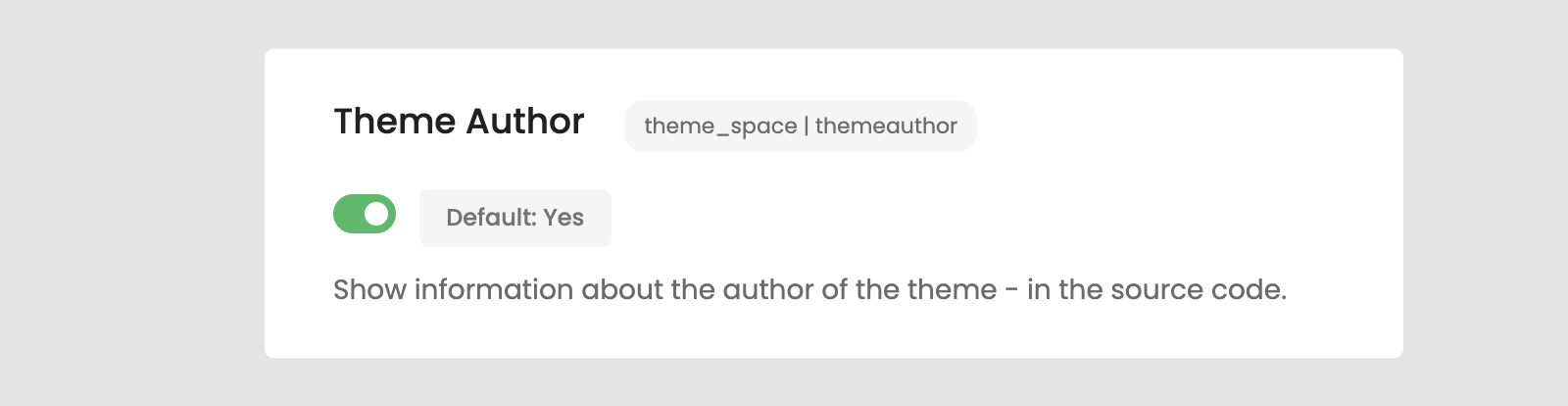
### **Show Information About Theme Author**
### More options
* **Unneeded blocks**\
The blocks specified are not needed when using this theme and will not be listed in the 'Add a block' menu.
* **Google Analytics V4 Code**
* **Show hints in hidden courses**\
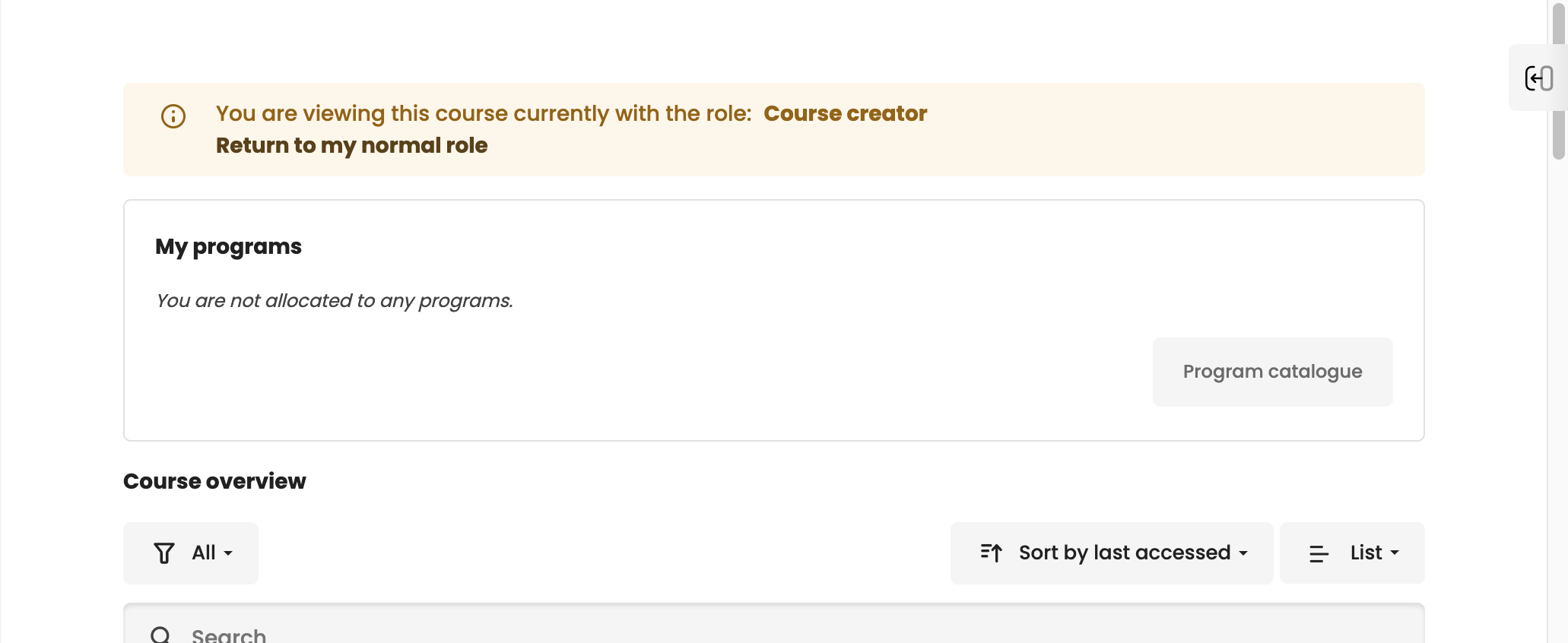
With this setting, a hint will appear in the course header as long as the visibility of the course is hidden. This helps to identify the visibility state of a course at a glance without the need for looking at the course settings.
* **Show hint for guest access**\
With this setting, a hint will appear in the course header when a user is accessing it with the guest access feature. If the course provides an active self-enrolment, a link to that page is also presented to the user.