> For the complete documentation index, see [llms.txt](https://rosea.gitbook.io/xy-moodle-theme/llms.txt). Markdown versions of documentation pages are available by appending `.md` to page URLs; this page is available as [Markdown](https://rosea.gitbook.io/xy-moodle-theme/login-and-sign-up.md).
# Login & Sign-up
Customize the login page layout, background, and other settings
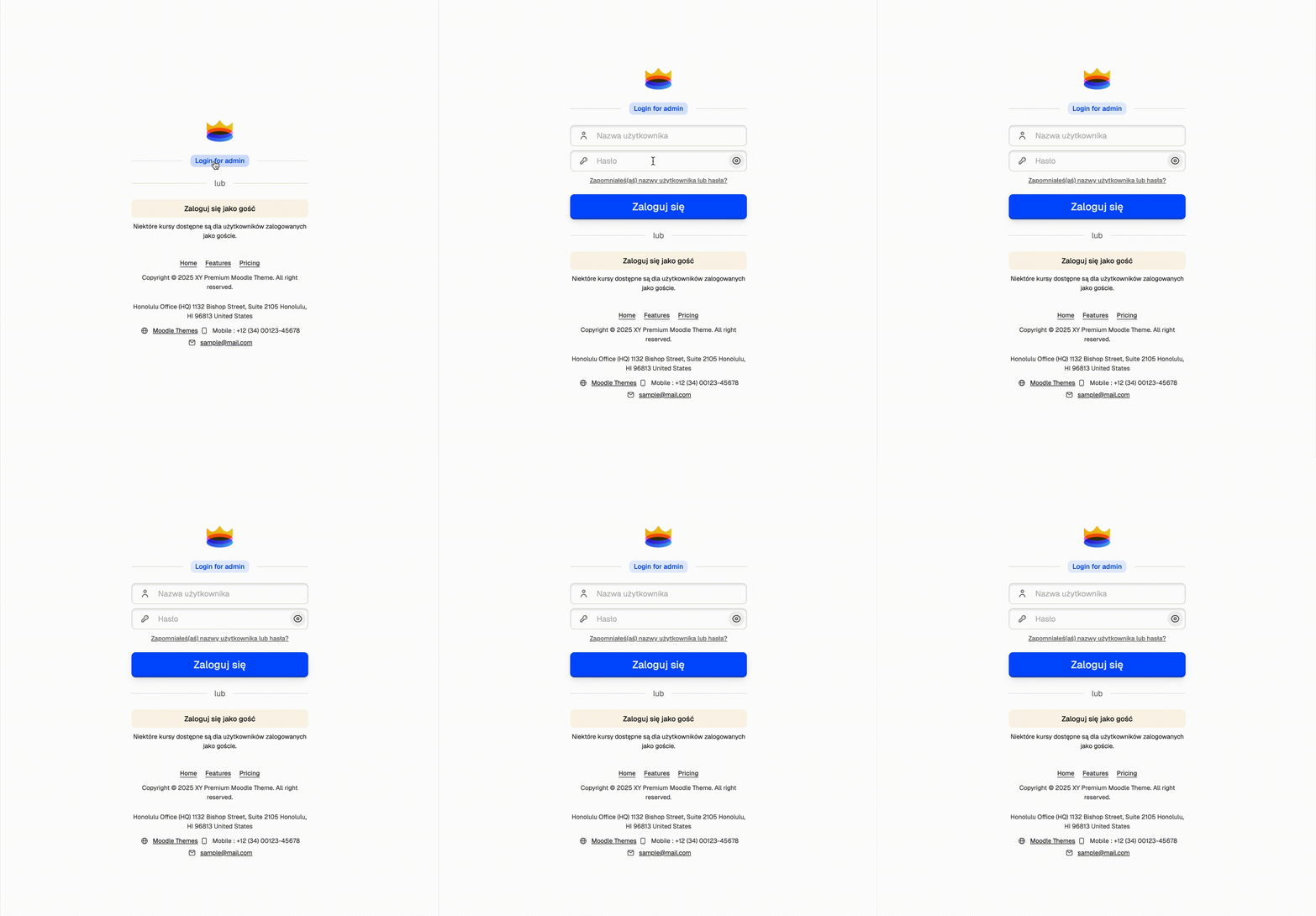
#### Hide login form
Hide the login form and show a link to the login page for admin users
1. Login for admin label - Customize the label for the login for admin link
#### Display list of identity providers before the login form
Show authentication options like OAuth2 providers above the standard login form
***
#### Logo outside the container
Position the logo outside the main login container
***
**Sign up link outside the container** \
Show the sign up link in the top right corner instead of below the login button
***
**Hide password reset link**
Remove the "Forgot password?" link from the login form
***
**Login Introduction**
Add introductory text to appear above the login form
***
Custom Footer HTML or JS refers to the ability to add personalized HTML or JavaScript code to the footer section of a webpage. This feature allows you to modify or enhance the appearance and functionality of the footer, by embedding scripts like analytics, widgets, or additional styling elements. Use this capability carefully to ensure it complies with the overall website design and performance
1. **HTML Content #1, #2, #3**
2. **Additional content under login form**
3. **Custom HTML Block (under the login form)**
4. **Footer Content**
Additional footer content is applied. By default, the theme uses footer content from (XY - Footer).
***
**Custom Footer HTML or JS**
***
**Labels**
1. Create Account Label
2. Back to Login Label
Learn how to add multi-lang content.
***
**Background**
1. Background Image
2. Background Video
3. Background Color
***
### Sign up
1. Sign up Introduction
{% hint style="info" %}
You can set up a custom background for the sign up page. Of leave blank to use the background image from the login page settings.
* Background Image
* Background Video
* Background Color
{% endhint %}