> For the complete documentation index, see [llms.txt](https://rosea.gitbook.io/alpha-moodle-theme/llms.txt). Markdown versions of documentation pages are available by appending `.md` to page URLs; this page is available as [Markdown](https://rosea.gitbook.io/alpha-moodle-theme/theme-settings/login-page.md).
# Login page
Login page customization. You can select 5 layouts, add a background, and more.
### Where to customize?
Site administration -> Appearance -> Alpha -> Login Page
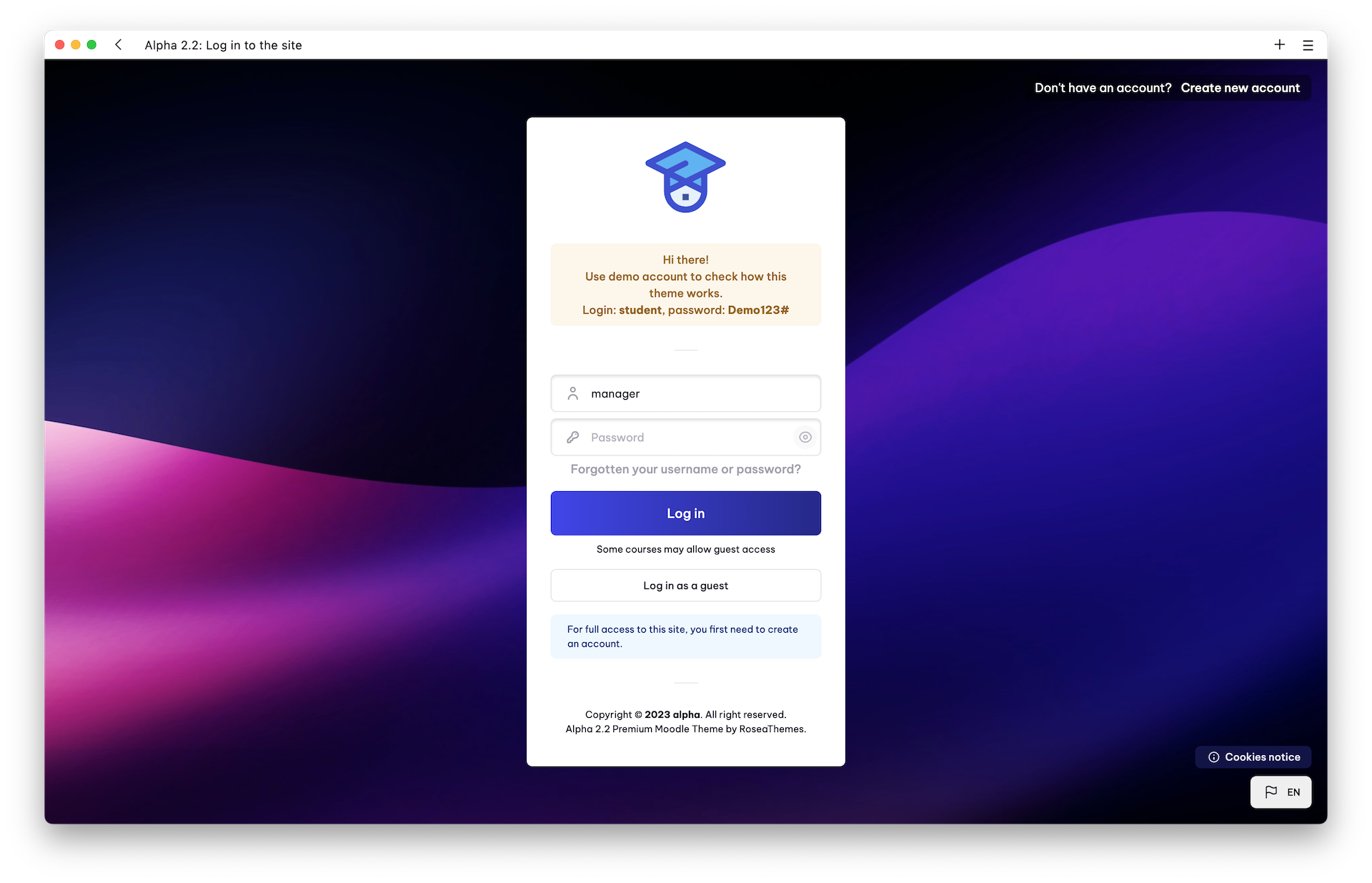
Layout #1
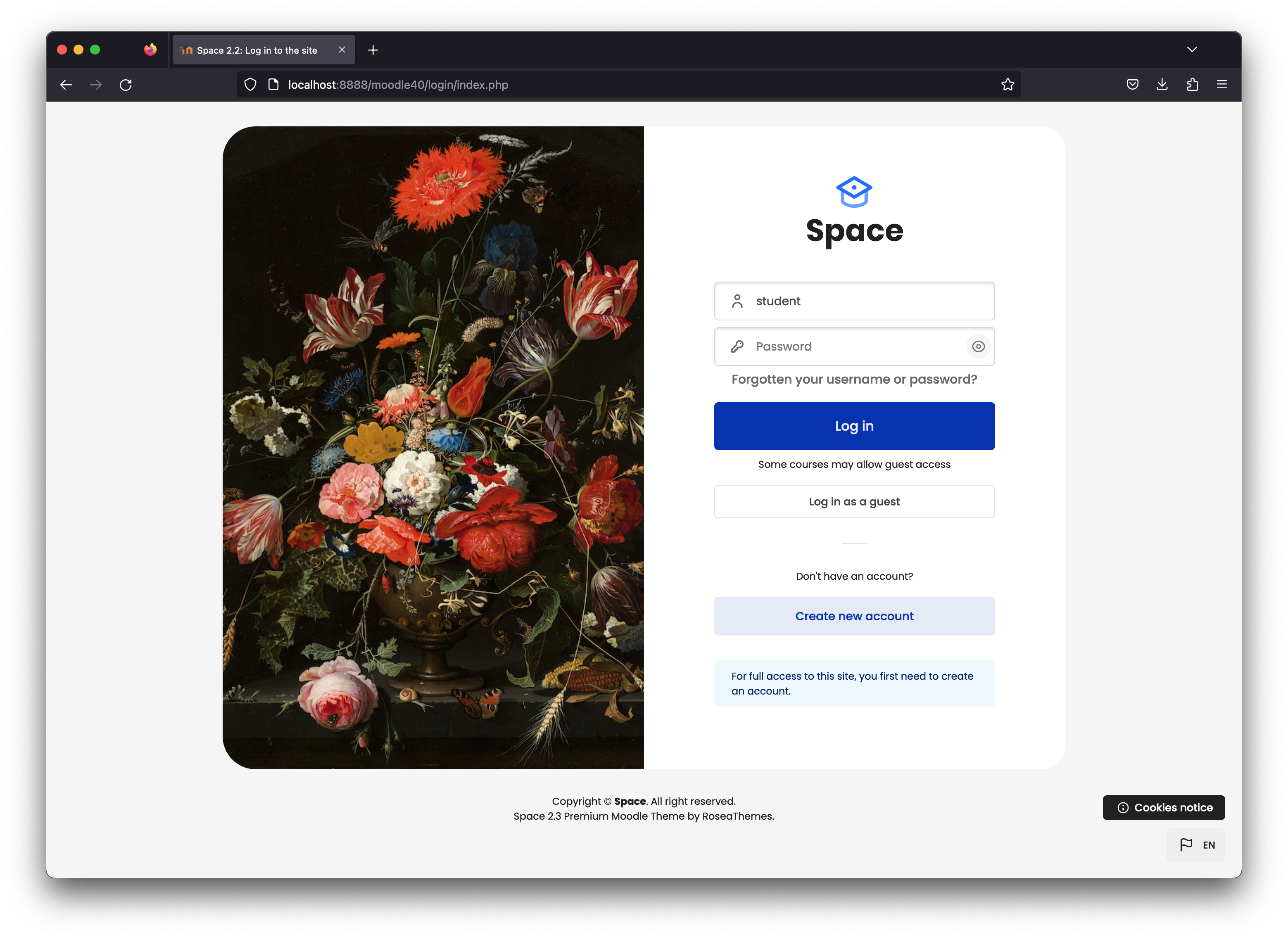
Layout #2 (image on the left), #3 (image on the right)
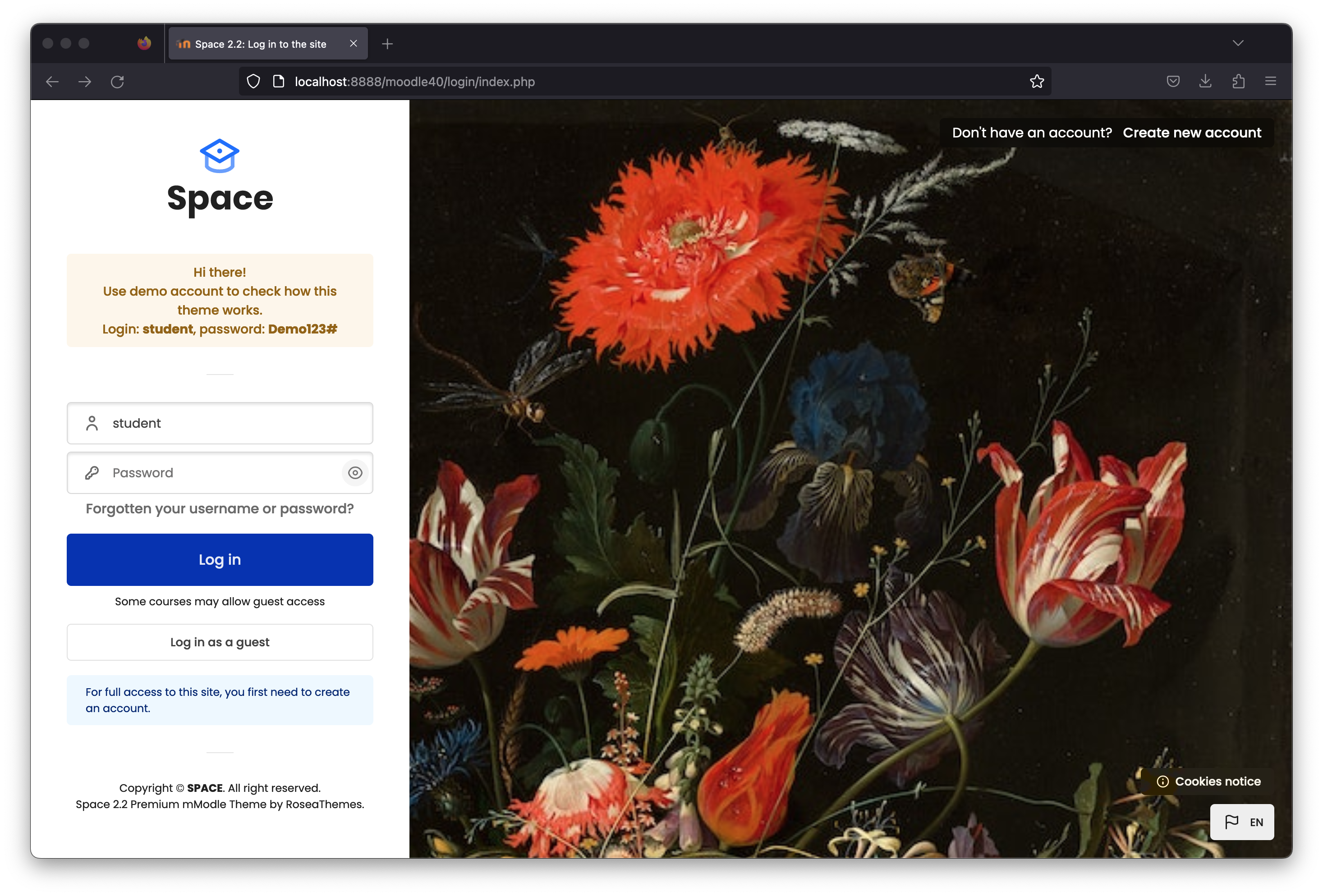
Layout #4 (on the left), #5 (on the right)
### Log in page
Custom Logo on the Login Page
Login Page Background
Additional Content Layout #1
Footer Content
Log in - Introduction
The label next to the "Create an account" button.
The label next to "Log in"
### Sign up Page
Sign up - Introduction
Sign up Content
Text Color
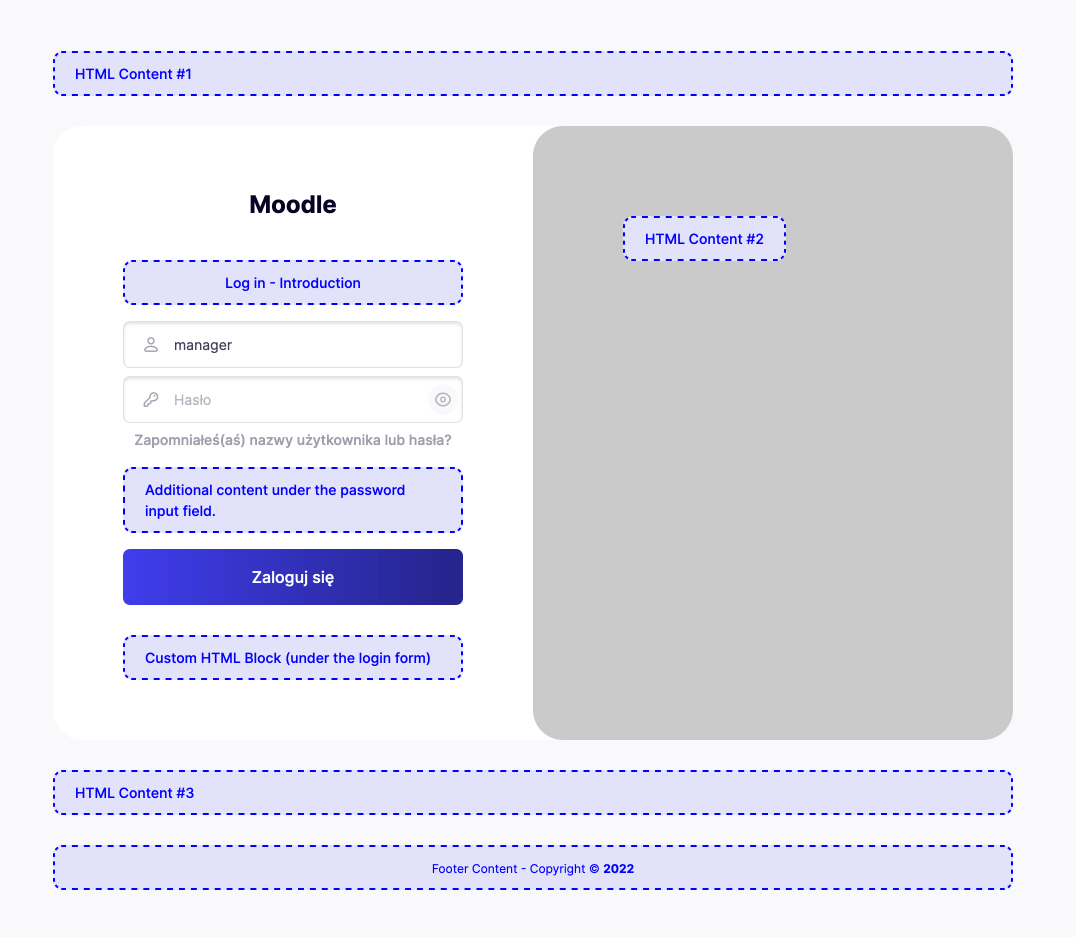
### **Available content fields areas.**